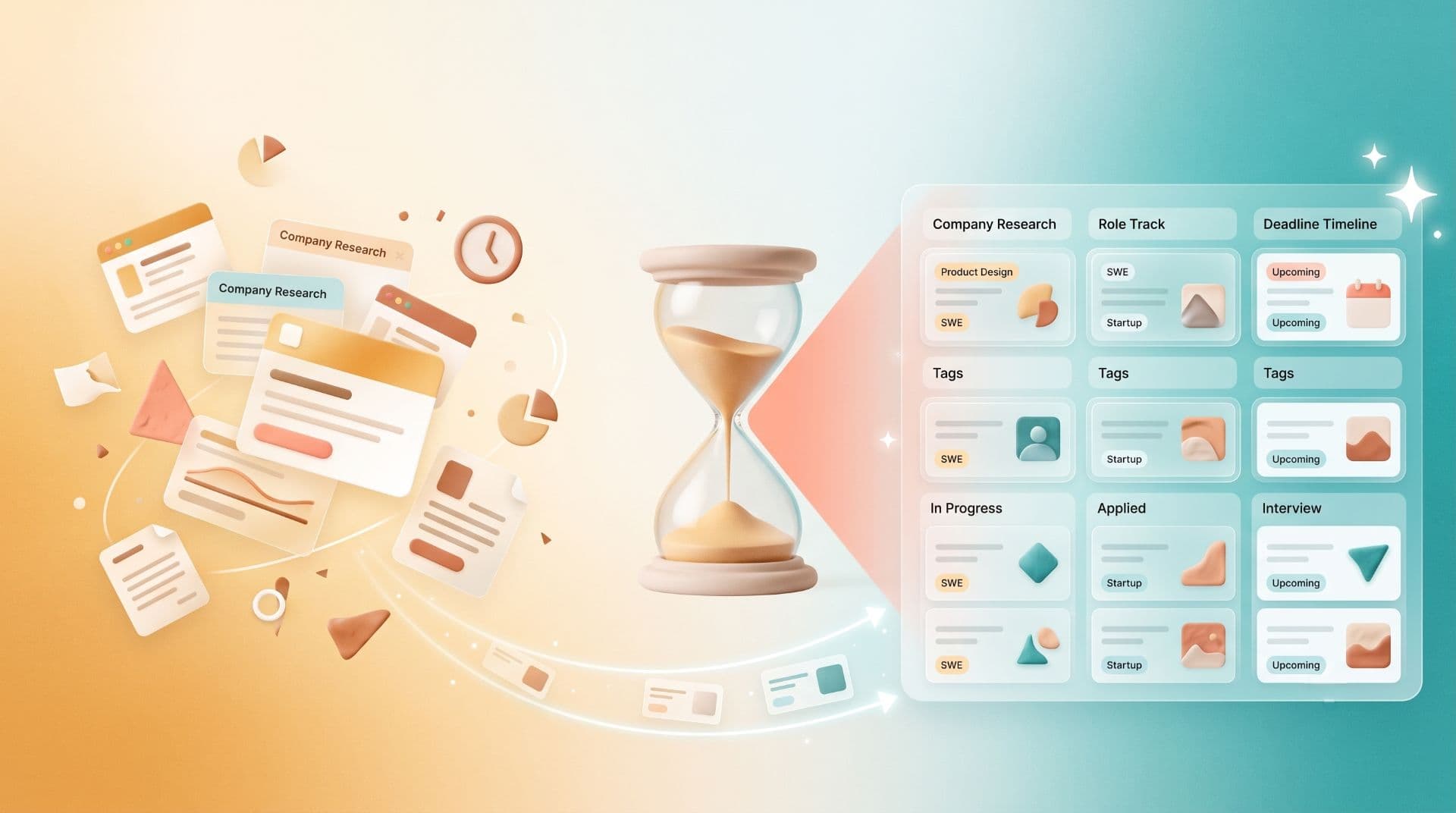
Job search chaos is invisible until you need to find something fast.
You're job hunting. You're saving everything.
Job listings on LinkedIn, Indeed, Glassdoor, and company career pages. Salary data from Blind and Levels.fyi. Company research from Crunchbase and their investor decks. Interview prep from LeetCode and system design resources. Networking contacts on Twitter and their blog posts. Recruiter emails with links to apply. Glassdoor reviews and Comparably culture benchmarks.
Thirty tabs open right now. Forty browser bookmarks scattered across folders. Fifty browser windows you forgot you had. The research is everywhere. Finding it takes longer than doing the research originally.
You need a specific salary data point for a negotiation. You remember saving it. You spend fifteen minutes looking for it. You find something worse and use that instead. You're walking into the negotiation without your best ammunition because the information was invisible.
A bookmark manager doesn't just organize job search resources. It makes them retrievable the moment you need them.
That changes how you interview. How you negotiate. How you research. How you move.
The Job Hunt Bookmark Problem
Job searching requires information velocity. You need to gather, compare, and recall dozens of resources fast. The window moves. Companies fill roles. Your leverage window for negotiation is weeks, not months.
Browser bookmarks are designed for passive storage, not active retrieval under time pressure.
The Fragmentation Problem
Job resources live everywhere. Each site has different bookmark structure. Each browser maintains separate collections.
You save a job listing in Chrome on your work laptop. Three days later, you're at home on Safari and need to reference it. It's not there. You search Safari bookmarks. Nothing. The listing is in Chrome. On another machine. Unreachable.
You're researching a company. You save salary data in Chrome, company culture reviews in Firefox, their product roadmap in Safari. Three resources. Three browsers. None of them sync. When you need all three for an interview, you're hopping between browsers instead of having a unified research dashboard.
The Search That Fails
Browser bookmark search matches title text. That's it.
You save a Levels.fyi comparison that discusses "Senior Software Engineer compensation at FAANG companies." A week later, you're interviewing at Google and need salary context. You search your bookmarks for "Google salary." No match. The word "Google" isn't in the title.
You know you saved it. The search says you didn't. You Google instead. Find generic data. Use that.
Your own research, inaccessible.
The Context That Vanishes
You bookmark a job listing with a title: "Senior Backend Engineer - New York."
Two weeks later, you're comparing three offers. You find the bookmark. But you don't remember the company. You don't remember the role details. You don't remember why you thought the offer was interesting. Was this the one with remote flexibility? The one with equity? The one with the terrible commute?
You open the bookmark. The link is dead (job was filled). The research is gone.
Bookmarks without context become noise. The information was there. The usefulness vanished because you forgot why you saved it.
How a Bookmark Manager Changes Job Hunting
A bookmark manager built for real-world use turns job search research from scattered chaos into organized, searchable infrastructure.
Unified Research Dashboard
Every job-related resource lives in one place. Job listings, salary data, company research, interview prep, networking contacts — one searchable library accessible from any browser, any device.
Save a job listing in Chrome on your laptop. Three hours later, you're on your phone at coffee reviewing the role. It's there. Same library. Same research. The browser and device don't matter.
Search That Finds What You Need
Full-text search across job listings, research notes, salary data, and company intel. You search "Google senior backend" and find every resource you've saved about that role — even if the job listing title doesn't mention those words.
You're comparing three offers. You search "equity vesting schedule." Every resource discussing vesting surfaces instantly. No browsing. No guessing which folder you filed it in. Just search and retrieve.
Visual Recognition Instead of Title Recall
Every bookmark displays as a visual card with a preview. You recognize which Levels.fyi page you saved by the layout. You recognize the company's careers page by their branding. You recognize LeetCode resources by the code snippets visible in the preview.
Scanning is 60,000 times faster than reading titles. At scale, that difference is the difference between reviewing research fast enough to feel prepared and arriving at an interview without reviewing anything.
Automatic Organization
AI tagging runs on every save. You bookmark a Levels.fyi page, it's tagged
#salary, #compensation, and the company name automatically. You bookmark a job listing, it's tagged with the company, the role level, the location.You don't manually organize. The system organizes as you save.
Notes and Context
Add notes to every bookmark. Why you saved it. What impressed you. What concerns you. The compensation offer. The interview date. The contact. When you review resources before an interview, context is attached to every link.
Concrete Job Hunt Workflows
Workflow 1: Building Your Target List
Before: You're researching 30 companies. You save job listings across LinkedIn, Indeed, Glassdoor, and company sites. No unified list. No way to compare or rank.
After: Every job listing saves to Markify automatically. Tagged with company, role, and location. Visual cards let you scan all 30 at once. Click any listing to see your notes about why this company matters, what the role is, and what the compensation is.
30 minutes of review instead of two hours of hunting and clicking.
Workflow 2: Salary Negotiation Prep
Before: You're heading into an offer negotiation. You remember saving salary data from Levels.fyi, Blind, and Comparably. You spend 20 minutes searching three browsers across two computers for the research.
After: Search Markify for "Google senior backend salary." Every resource you saved about compensation for that role appears in 3 seconds. Visual previews show which resource is which. You open the most recent compensation data, bring it into the negotiation, and have your numbers ready.
Preparation time: 90 seconds instead of 20 minutes.
Workflow 3: Interview Preparation
Before: You have an interview in two hours. You need to review the company. You saved their blog, their product roadmap, Glassdoor reviews, and their investor deck. They're in four different places. You spend 30 minutes collecting them.
After: Create a Markify collection called "Company X - Interview." Tag every resource about the company with
#interview-prep. Search takes 3 seconds. All resources appear in one place. Review everything in 15 minutes instead of 30.Workflow 4: Networking and Recruiter Follow-ups
Before: A recruiter sends you a link to a job with their personal note about why they think you're a fit. You bookmark it. You forget the recruiter's name. Three weeks later, you want to follow up with them about a different role. You have no way to find their message or link them back to the original opportunity.
After: Save the job listing AND add a note with the recruiter's name, email, and why they recommended you. Tag both with
#recruiter-relationships. When you want to reconnect, search their name. Find every opportunity they've sent you plus your context about them.Relationship building becomes consistent instead of random.
Time Saved: The Math
Average job search takes 3-6 months and involves:
Time Wasted With Browser Bookmarks
Time Saved With a Bookmark Manager
That's nearly a full work day reclaimed. In a job search where timing is everything, that's preparation time, negotiation confidence, and mental space you didn't have before.
What a Job Hunting Bookmark Manager Needs
Must-Have Features
One-click saving from anywhere. Job listing on LinkedIn, salary data on Blind, company research on Crunchbase — save with one click. No friction. No decisions about where to file it.
Search that works across all resources. You search by company name, role type, location, or keyword. You find everything relevant regardless of where you bookmarked it or what the original title was.
Notes and context on every resource. Add interview date, compensation offer, recruiter contact, your thoughts, follow-up actions. When you review before an interview, context is attached.
Mobile access. You're on your phone reviewing an offer. You need to reference salary data you saved on your desktop. It's there. Same library. Same search.
Collections for structure. Create a collection for each company you're seriously interested in. Organize by interview stage. By offer status. By timeline.
Frequently Asked Questions
How quickly can I set up for job hunting?
Five minutes. Import any existing bookmarks. Create collections for companies you're targeting. Start saving. That's it. The infrastructure is in place before you save your first job listing.
Can I share resources with a friend also job hunting?
Yes. Make a collection public and share the link. They can view all your saved resources without creating an account. Useful for sharing research about a company or company list.
What if a job listing goes down after I bookmark it?
Markify captures a thumbnail preview when you save. If the original link dies, you still have visual memory of what the role was. Plus your notes capture the details that matter — compensation, team, location, requirements.
Should I use a bookmark manager just for job hunting or for everything?
Both. A bookmark manager for job hunting is useful. A bookmark manager for your entire professional and personal research is infrastructure. Job hunting is just one workflow where it transforms your effectiveness.
How do I organize by company vs. by job stage vs. by timeline?
Create multiple collections: "Target Companies," "Active Interviews," "Offer Negotiation," "References for Research." Tag resources with metadata:
#frontend, #senior-level, #remote-friendly, #equity-important. Search and filter by any combination.Can I export my job search research after I accept an offer?
Yes. Export as HTML or CSV anytime. You have a permanent record of the companies you researched, the resources you used, and your decision-making process. Useful for future job searches or for understanding your own hiring preferences.
The Leverage Multiplier
Job hunting is information warfare. The person with better research, faster recall, and prepared negotiation positions wins better outcomes.
Markify gives you that edge. Unified research. Instant search. Context attached. Preparation time reclaimed. You're walking into interviews and negotiations with your best ammunition instantly accessible.
The difference between a job search that feels chaotic and one that feels controlled is organization. The difference between a controlled job search and winning better outcomes is leverage.
A bookmark manager is how you build that leverage.
Start your job search organized →
Thanks for reading!
Read more articles