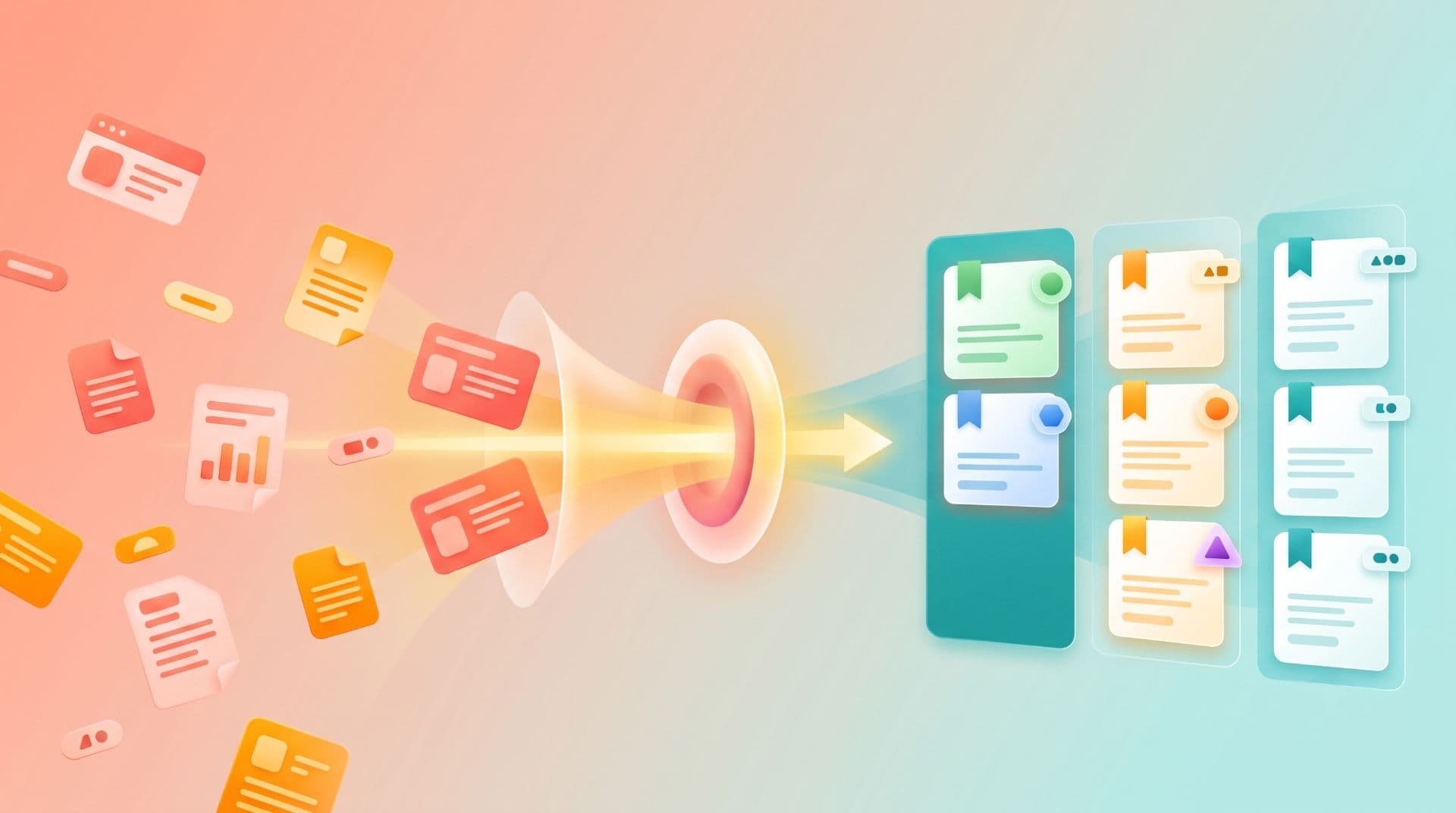
Organize 500 bookmarks in the time it takes to think about organizing them.
Manual tagging works for two weeks. You create rules. You maintain discipline. You bookmark something and immediately add tags:
#design, #inspiration, #dark-mode. It feels organized.Then life gets busy. You bookmark something without tagging. You tell yourself you'll tag it later. You don't. By week three, half your new bookmarks are untagged. By week four, you've abandoned the system entirely.
The bookmarks are there. They're just invisible. The tags that were supposed to make them findable became overhead that chased you away.
AI changes that. Tag automatically as you save. The system organizes itself while you keep working. No discipline required. No maintenance overhead. The AI learns your patterns, gets better over time, and you never think about organization again.
Here's what that means, how it works, and why it changes everything about bookmarking.
Why AI Matters for Bookmarks at Scale
Manual organization breaks at 300 links. It's not about willpower. It's math.
At 50 bookmarks, manual tagging works. At 100, it's manageable. At 200, friction rises. At 300+, it collapses. You're spending more time organizing than saving. The overhead becomes the point instead of the tool.
The classic failure pattern:
#javascript one time, #JS the next.AI eliminates this cycle. Every bookmark gets tagged the moment you save it. No decisions. No discipline required. No backlog growing. The organization happens in the background while you focus on research.
What AI Actually Does to Your Bookmarks
AI-powered bookmark organization isn't magic. It's pattern recognition applied to the content you save.
How AI Tagging Works
You save a page about React state management. The AI reads:
It generates 3-5 tags that categorize the content:
#react, #state-management, #frontend, #tutorial. These tags are specific, relevant, and consistent.The accuracy is 85%+. Most bookmarks get tagged correctly without your involvement. The remaining 15% need adjustment — a tag removed here, a tag added there, or specificity increased.
At 300 bookmarks per year, that's 45 bookmarks needing review. Spend 30 seconds per review? That's 22 minutes annually. Compare that to manual tagging at two minutes per bookmark: 600 minutes annually. AI saves 578 minutes per year.
Why AI Gets Better at This Than You Do
You maintain tags using human memory and rules. You tag
#javascript most of the time but occasionally type #JS because you're in a hurry. Now you have two tags meaning the same thing. They don't connect. Your library fragments.AI always uses the same tag for the same topic.
#javascript every time. #react every time. #frontend every time. No inconsistency. No variation. No drift. Your library stays organized because the AI doesn't get inconsistent.Plus, AI tags based on content, not title. You save "Modern Patterns for Managing Component State in 2025." The title doesn't mention React or state management. Manual search fails. AI reads the content, detects the concepts, and tags accordingly. The bookmark becomes findable even when the title is vague.
The Three Ways AI Changes Your Bookmark Workflow
1. Organization Happens Automatically
Before: Save bookmark → decide where to file it → manually add tags → maintain consistency across hundreds of bookmarks → give up after a month.
After: Save bookmark → AI tags it automatically → you review and adjust if needed (15% of the time) → move on with your work.
The friction drops from "I need to organize this" to "the system organizes it." You're freed from maintenance overhead.
2. Search Becomes Intelligent
Manual tags are inconsistent.
#javascript, #JS, #js all mean the same thing but don't connect. Search for #javascript and miss anything tagged #JS.AI maintains consistency. Every JavaScript-related bookmark has the same tag. Search
#javascript and find everything. Plus, AI searches content, not just titles. Search "React state management" and find articles even if the title says something completely different because the AI tagged the content properly.3. You Stop Thinking About Organization
This is the real win. With manual tagging, you're constantly deciding: where does this fit? Should it be in my
#design collection or my #UI collection? What tags should it have?With AI, you save and move on. The bookmark appears in your library, properly tagged, immediately searchable. Organization feels invisible because it happens without your input. You're focused on research, not filing.
Practical Workflows: AI Organization in Action
Workflow 1: Research Sprint
You're researching dark mode design patterns. You save 20 articles over two hours from Dribbble, CSS-Tricks, Medium, and Dev.to.
With manual tagging: Every save requires a decision.
#design? #dark-mode? #UI? #inspiration? Some are consistent. Some aren't. You tag the first ten diligently, then get tired and stop tagging the last ten.Result: 10 tagged bookmarks, 10 untagged, inconsistent tags, some information lost.
With AI tagging: Every bookmark is auto-tagged. One saves to dark-mode design. One is tagged
#design, #dark-mode, #CSS. Another is tagged #inspiration, #UI. All 20 are organized. No decisions. No inconsistency.Result: 20 bookmarks, all tagged, all searchable, zero decisions made.
Time difference: 15 minutes saved per research sprint.
Workflow 2: Reference Library
You're building a long-term reference library of development resources. You save documentation, tutorials, and code examples. Over a year, you accumulate 300 bookmarks.
With manual tagging: Your tags are a mix of consistent and inconsistent. Documentation is tagged
#docs, #docs-stripe, #documentation. Tutorials are #tutorial, #learning, #tutorials. There's overlap. There's confusion. Search for #learning and you miss tutorials tagged #educational. Search for #docs and you find only documentation from Stripe, not general API documentation.Result: Searchable library at small scale, fragmented and confusing at 300+ bookmarks.
With AI tagging: The system learned your patterns. Most development resources are tagged
#documentation, #tutorial, or #reference consistently. API-specific resources are tagged with the API name plus #api. You have 300 bookmarks perfectly organized with zero maintenance. Search #documentation finds every piece of documentation. Search #react #api finds React-specific API references.Result: Searchable library at any scale. Organization invisible. Retrieval instant.
Workflow 3: Cross-Project Research
You're working on three projects simultaneously. Each has different research needs. You're saving resources for all three constantly. Without organization, everything mixes together.
With manual tagging: You create collections for each project and tag everything with the project name. Then you realize an article about pricing is relevant to two projects. You duplicate the bookmark or compromise by filing it in one project and hoping you remember it exists.
Result: Fragmented research. Information lost across projects.
With AI tagging: The system auto-tags by topic. An article about pricing gets tagged
#pricing, #business-model, #SaaS. You create collections for each project. The same article can belong to multiple collections via tags. Search by project and find all relevant resources. Search by topic and find all resources across projects.Result: Information accessible from multiple angles. One resource, many contexts.
How AI Learning Compounds Over Time
AI-powered organization gets better as you use it.
Week 1: AI makes educated guesses based on content. Accuracy is 85%.
Month 2: The system has seen 200+ of your bookmarks. It's learned your terminology, your interests, your categories. Accuracy rises to 90%.
Month 6: The system has processed 600+ of your bookmarks. It understands your patterns deeply. It predicts tags you would add. Accuracy is 93%. You rarely need to adjust tags.
Year 1: The system has processed 1,200+ of your bookmarks. It's internalized your knowledge structure. Tags are predicted correctly 95% of the time. You're adjusting maybe one bookmark per week.
You stop thinking about organization because the system has learned to do it the way you would.
The Math: AI vs. Manual at Different Scales
100 Bookmarks
300 Bookmarks
1,000 Bookmarks
3,000 Bookmarks
At scale, AI tagging saves weeks per year.
What Good AI Bookmark Organization Needs
Must-Have Capabilities
Content analysis. The AI reads page titles, descriptions, and content. It doesn't just match keywords. It understands topic and context.
Consistency enforcement. The same topic always gets the same tag.
#javascript every time, not #JS or #js. This consistency compounds across your library.Continuous improvement. The AI gets better as you use it. After you've saved 200 bookmarks, it understands your interests and tagging patterns better than you do.
Your override authority. The AI suggests. You accept, edit, or ignore. You're always in control. The AI works for you, not the other way around.
Nice-to-Have Capabilities
Cross-language support. Bookmark pages in Spanish, French, or Japanese? The AI tags them correctly anyway.
Visual content understanding. The AI analyzes images and diagrams, not just text. A design inspiration board is understood as design inspiration even without explicit text description.
Contextual weighting. The AI understands what matters. A section header gets more weight than a passing mention. Main content matters more than ads.
AI Tagging vs. Full-Text Search: Do You Need Both?
This is a common question.
Full-text search alone is not enough. Search indexes titles, descriptions, and content. You can search for "React state management" and find relevant articles. But you can't quickly browse all React articles or filter by topic without searching.
AI tagging enables browsing. Click the
#react tag and see all React bookmarks instantly. No search required. Browsing is faster than searching when you're exploring a topic.Together, they're powerful. Search by topic (
#react) and filter by additional tags (#advanced, #performance). You get both precision and discovery.The best approach uses both: AI tags for organization and browsing, full-text search for precision retrieval.
Frequently Asked Questions
How accurate is AI tagging really?
Markify achieves 85%+ accuracy on first-pass tagging. Most bookmarks are tagged correctly without your review. The remaining 15% need minor adjustment. Over time, accuracy improves to 90%+ as the system learns your patterns.
What if the AI tags something wrong?
You edit it. Or delete the wrong tag. You're always in control. The AI suggests, you decide. Over time, the AI learns from your corrections and suggests better tags.
Do I need to manually tag anything?
No. AI tagging is optional. You can save manually-tagged bookmarks from other sources. The AI respects your manual tags and learns from them. Pure AI tagging requires zero manual effort.
Can AI organize existing bookmarks?
Yes. Markify can import browser bookmarks and retroactively tag them using AI. Your 300 existing browser bookmarks get organized automatically in seconds. No manual cleanup required.
Is AI tagging secure? Does it read my bookmark content?
Markify reads page content to generate tags, then discards it. The content isn't stored. AI processing happens server-side. Your bookmarks are encrypted in transit and at rest. If you prefer not to share content for tagging, you can disable AI tagging and tag manually.
Will AI tagging miss important bookmarks?
No. AI tags everything. Even obscure resources. Pages with minimal content. PDFs and images. Everything gets tagged. At worst, the tags are generic (
#reference). At best, they're specific and useful. Nothing is missed.How does AI tagging compare to manual folders?
Folders force single-location filing. An article about pricing belongs in "Business Models" or "SaaS"—pick one. AI tagging lets the same bookmark have multiple tags:
#pricing, #business-models, #SaaS. It's simultaneously in all three contexts without duplication.Can AI tagging work offline?
No. AI tagging requires a server to analyze content and generate tags. But once tagged, bookmarks work offline. Changes sync when you reconnect.
The Moment Organization Becomes Invisible
Here's when AI tagging transforms bookmarking: you've saved 400 bookmarks over six months. Manually, this would be a disaster. You'd have half-organized folders, inconsistent tags, information scattered across uncategorized bookmarks.
With AI, all 400 are organized. You search for "React performance optimization" and find everything relevant. You click
#frontend and see 90 frontend-related bookmarks organized by subtopic. You never think about organization because it happened invisibly in the background.That's the difference between a tool that stores bookmarks and a system that organizes them.
Markify uses AI to do the work you'd do manually if you had infinite time. But you don't. So AI does it instead. Your research becomes infrastructure instead of chaos.
Save. The system organizes. You find. Repeat.
Try AI-powered bookmark organization →
Thanks for reading!
Read more articles